
Tag: reset

reset Resetting the trackpad on a MacBook Pro can resolve unresponsive or erratic behavior. Learn effective methods to troubleshoot and reset the trackpad settings in this guide. What are the common signs or symptoms indicating a need to reset the trackpad on a MacBook Pro? Several indicators may suggest a need to reset the trackpad

reset Resetting a MacBook Pro 2016 to factory settings is a methodical process that involves erasing all data and restoring the device to its original state. Here’s a comprehensive guide on performing a factory reset to revitalize or prepare your MacBook Pro 2016 for a fresh start. Instructions on how to reset a MacBook Pro

reset Resetting a MacBook Pro 2018 involves various methods to restore it to factory settings or address specific issues. Explore step-by-step instructions to perform a reset on your MacBook Pro for improved performance or troubleshooting purposes. Discover the ultimate guide to resetting your MacBook Pro 2018 like a pro! Resetting a MacBook Pro 2018 can
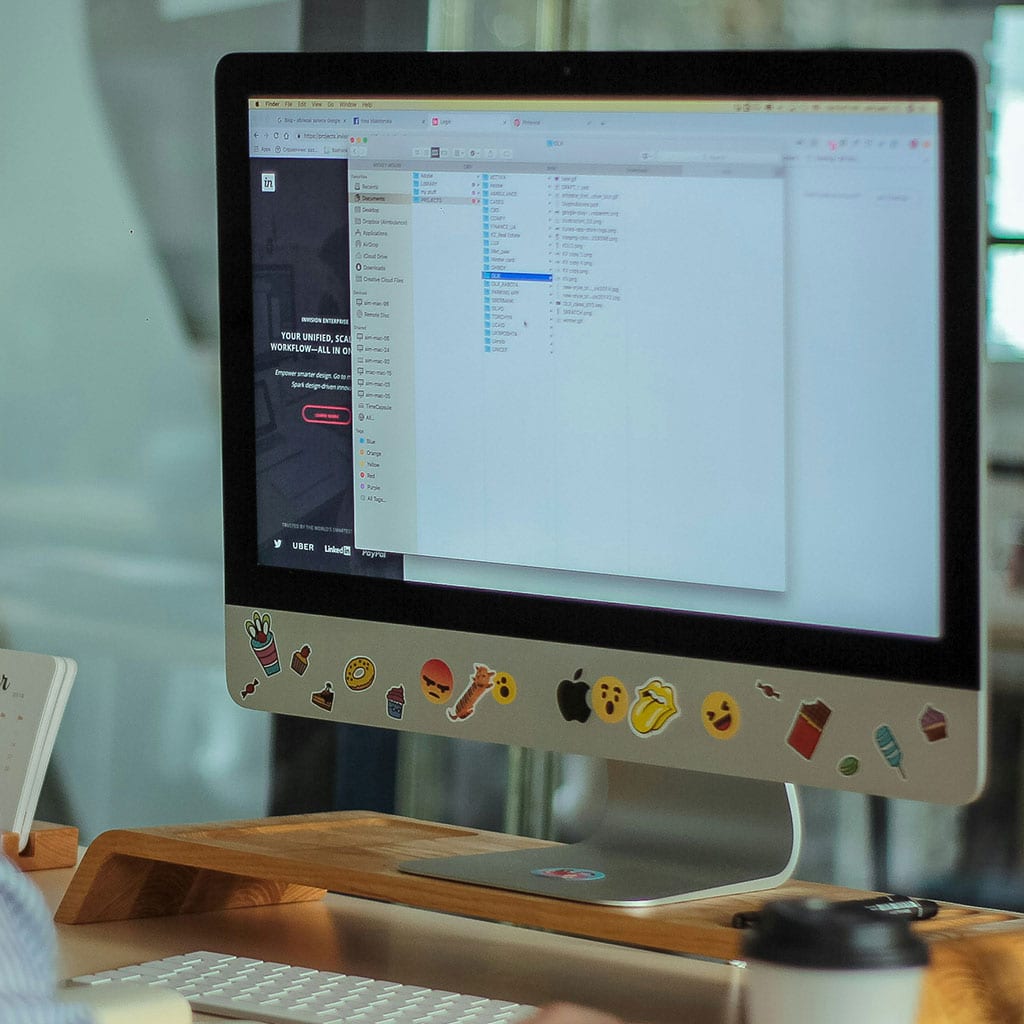
reset Resetting an iMac 2021 can resolve software issues or prepare for a clean slate. Discover effective steps to reset your iMac 2021, enhancing performance and troubleshooting potential problems. Unlock the magic of a brand new start for your iMac 2021 with a simple reset! Resetting an iMac 2021 involves various methods to address persistent

reset Resetting an iMac 2017 can address persistent issues or prepare the system for a fresh start. Explore step-by-step instructions to reset your iMac 2017, resolving problems and optimizing performance. Discover the magical secret to resetting your 2017 iMac! Resetting an iMac 2017 involves various methods that can address software glitches or restore the system

reset Resetting an iMac 2015 can resolve persistent issues or refresh the system. Discover step-by-step procedures to reset your iMac 2015, ensuring optimal performance and troubleshooting potential problems. Instructions for resetting an iMac 2015 Resetting an iMac 2015 involves several methods to restore the system to its factory settings or resolve persistent issues. Below are

reset Resetting an iMac 2013 can resolve software issues or prepare it for a clean start. Learn step-by-step procedures to reset your iMac 2013, ensuring optimal performance and troubleshooting potential problems. Unlock the secret to resetting your iMac 2013! Resetting an iMac 2013 involves several methods to restore the system to its factory settings or

reset Resetting an iMac 2012 can resolve various issues or prepare it for a fresh start. Explore step-by-step instructions on how to reset your iMac 2012, ensuring a smoother user experience or troubleshooting potential problems. Resetting an iMac 2012 Resetting an iMac 2012 involves multiple methods to restore it to factory settings or troubleshoot persistent

reset Resetting an iMac from 2011 can troubleshoot software issues or restore it to factory settings. Explore the step-by-step process to effectively reset your 2011 iMac for a fresh start. Resetting an iMac 2011 is easy Resetting an iMac from 2011 involves several methods to restore the device to its factory settings or perform a

reset Resetting an iMac from 2009 can resolve software glitches or prepare it for a fresh start. Explore the step-by-step process to effectively reset your 2009 iMac and restore it to its factory settings. Instructions on how to reset an iMac from 2009 Resetting an iMac from 2009 involves several methods to restore the device


Copyright © OurDeal. All right reserved.
